QYON

Document damaged?

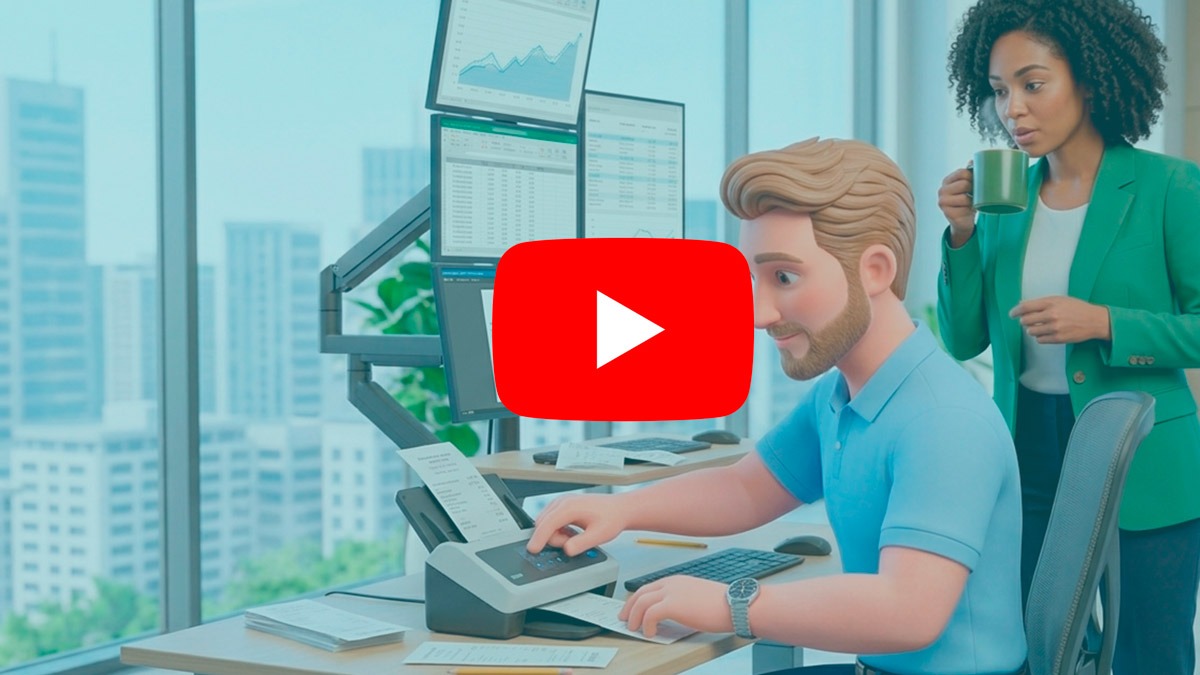
Bill reads, organizes, and sends it to the folder without any drama.

It simplifies the capture, digitization, categorization, and integration of financial documents with accounting software.

Bill

Document capture

I simplify the capture, digitization, categorization, and integration of financial documents with accounting software. I help companies and accounting firms eliminate manual entries, reduce rework, and gain more time in their financial and accounting routines.


My Skills

Document capture
98%
Intelligent digitization
96%
Automatic categorization
94%
Accounting integration
97%
Reducing rework
95%
Financial and accounting productivity
89%

And see how Bill captures documents, extracts the information, and organizes everything to make your routine easier.

And see how Bill captures documents, extracts the information, and organizes everything to make your routine easier.

Does this always happen?

  • Spends a lot of time manually typing information from documents and receipts.

  • It accepts financial documents in various formats, such as photos, PDFs, emails, and individual files.

  • You need to check each document individually to identify values, dates, suppliers, categories, and cost centers.

  • You lose productivity with repetitive tasks that could be automated.

  • The team becomes overwhelmed with operational processes that delay the routine.
  • Receive receipts, invoices, bills, vouchers, and statements easily, whether by photo, email, or file upload.

  • It reads physical or digital documents and transforms the information into structured data.

  • It identifies important information such as value, date, supplier, document type, and financial category.

  • It classifies income, expenses, assets, and liabilities according to company rules.

  • It allows you to create categories and subcategories according to the accounting and financial structure of the operation.

  • It automatically sends the data to the accounting system, reducing manual data entry and rework.

  • Organize financial documents and data in a more consistent way, facilitating reconciliations and closings.

  • It minimizes errors caused by manual typing, lost documents, or incorrectly entered information.

Let me help you out of that!

Do you have any questions?

Is Bill's automation complete?

Yes. Bill handles the workflow from document capture to categorization and integration of information with the accounting software.

Bill can process receipts, invoices, vouchers, PDFs, photos of documents, and financial information sent via email.
Yes. Bill’s goal is to minimize the need for manual data entry by automating the reading, organization, and sending of data to accounting.
Yes. It identifies the data in the documents and categorizes the information according to the chart of accounts configured by the company.
Yes. It was designed to help both companies and accounting firms that need to handle a large volume of financial documents.

The expert in tracking extracts.

Before the reconciliation can take place, someone needs to track down the files. Greg will handle the part about obtaining the bank statements for you.