QYON Bill streamlines your receipt management — fast, simple, and accurate.
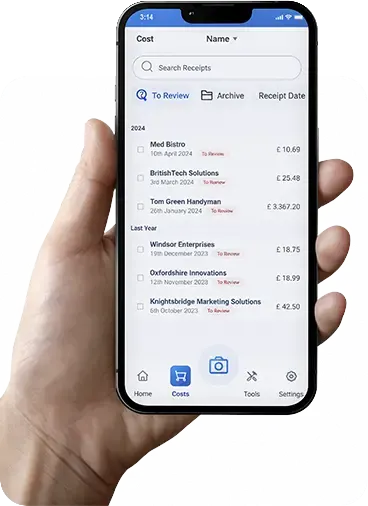
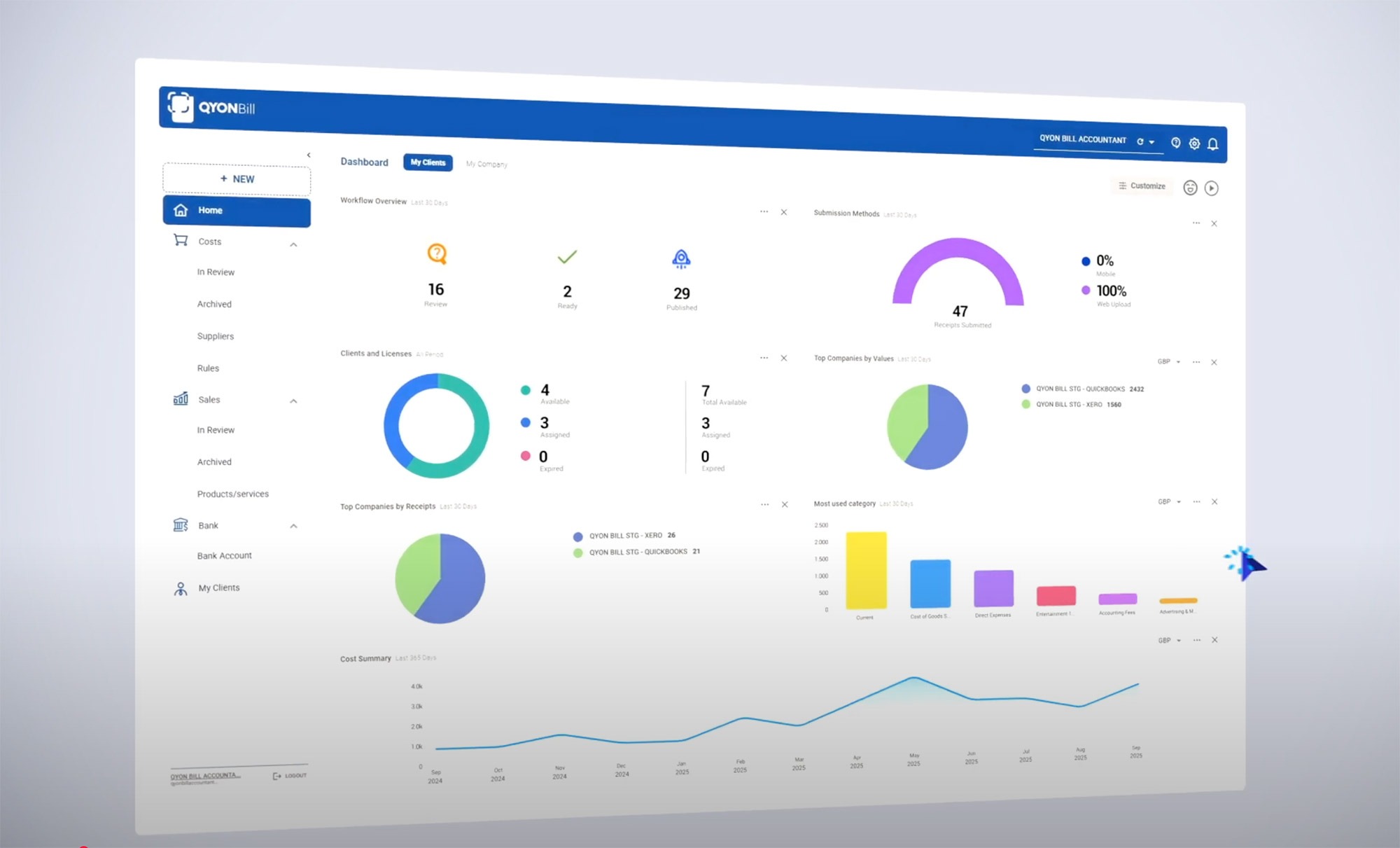
With QYON Bill, you can easily capture everything you need in just a few clicks. Scan receipts directly from your phone, send invoices via email, access statements, and let our system do the rest. Everything is digitised, categorised, and automatically integrated into your accounting software. Say goodbye to manual entries and enjoy more time to focus on what truly matters.
QYON Bill allows you to create a customised chart of accounts, with specific categories and subcategories for different types of income, expenses, assets, and liabilities, according to your company’s accounting structure.

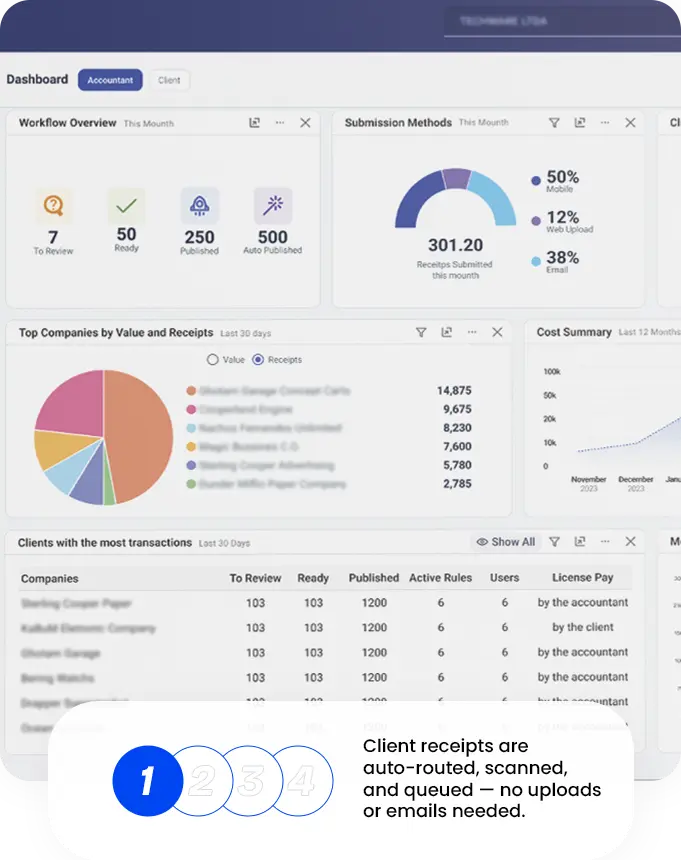
Forget tedious data entry and wasting time on manual records. No more searching for receipts, invoices, or client statements. Your data is now captured automatically, quickly, and accurately – giving you the freedom to focus on what really matters.
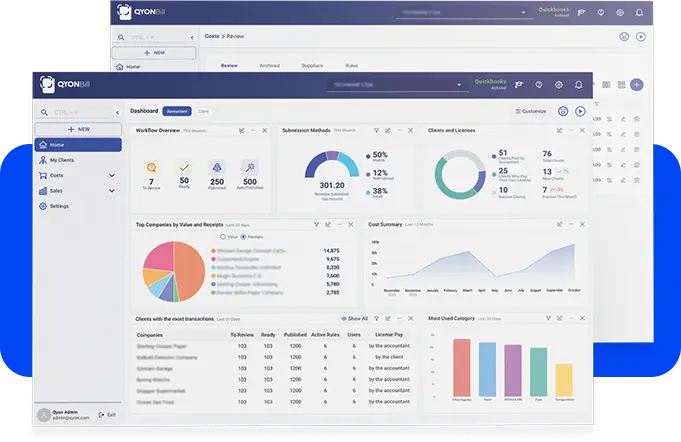
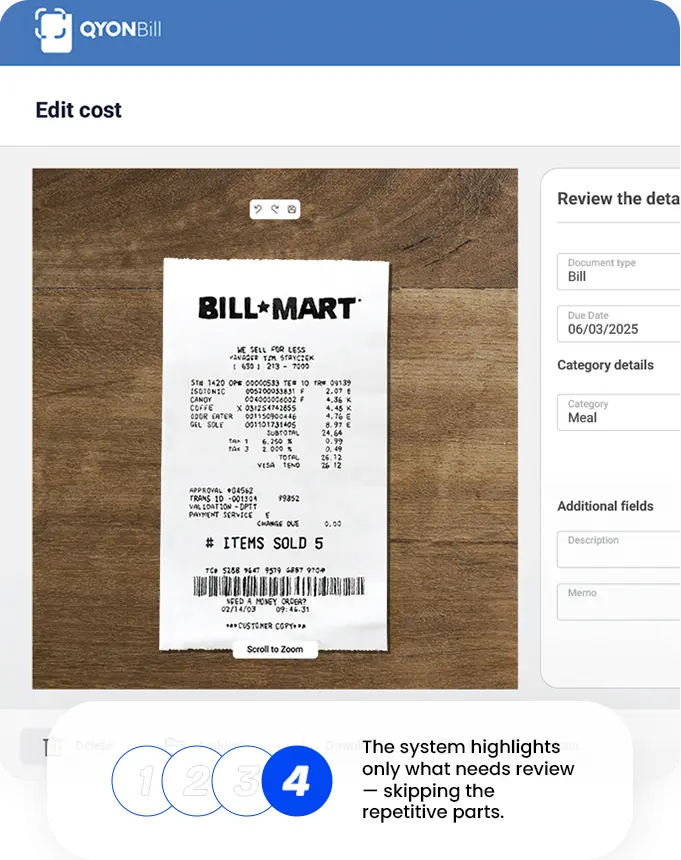
With QYON Bill, the data you need is extracted automatically and accurately, with no hassle. Everything is categorised and seamlessly integrated into your accounting software. Forget manual entries and save time with a fully automated and efficient process.
Welcome to QYON Bill Support. Check out our FAQ and let us know if you have any further questions.
QYON Bill is a powerful tool designed to help individuals and businesses scan, store, and manage their receipts, invoices, and financial documents. It automates data extraction, categorization, and integration with accounting software.
QYON Bill is perfect for self-employed individuals, small businesses, accountants, and bookkeepers who need to manage expenses efficiently without the hassle of manual data entry.
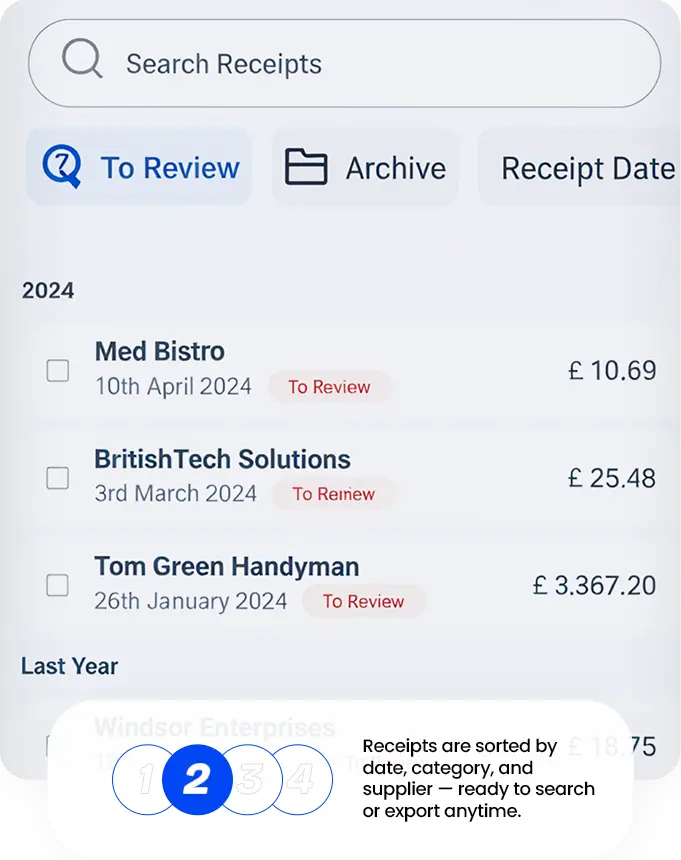
Snap a photo of your receipt or invoice using the app. The app extracts key data (date, merchant, amount, tax, etc.). It categorizes and stores the receipt securely. Optionally, integrate with accounting software like QuickBooks. Features & Functionality
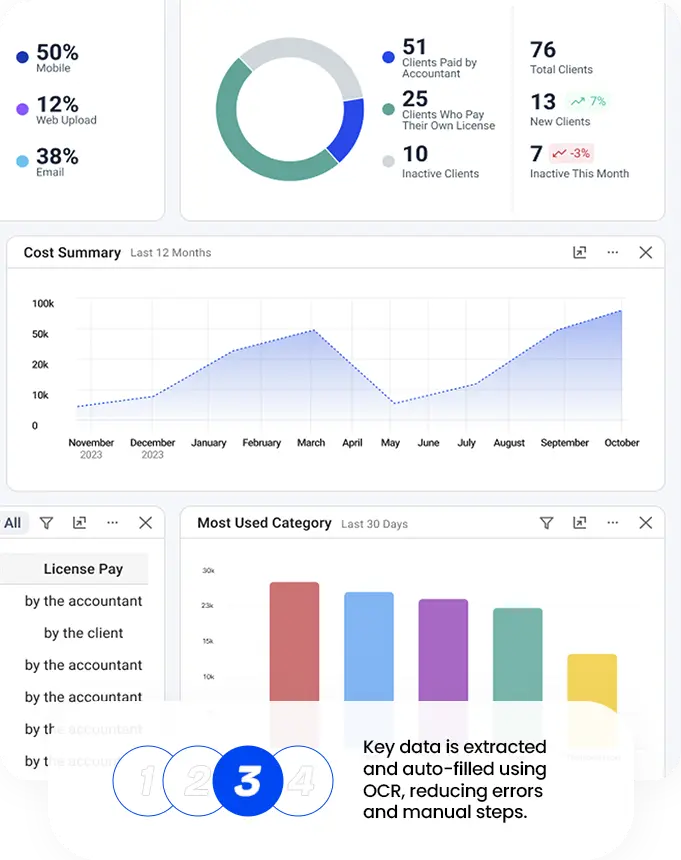
Yes! Our OCR (Optical Character Recognition) technology scans and extracts text from receipts, reducing the need for manual data entry.
• Paper receipts (via camera)
• Digital receipts (PDF, email forwarding)
• Invoices
• Bank statements
Yes, you can create custom categories or use our pre-set ones to classify expenses. You can also add notes and tags.
Yes, the app automatically detects the currency on the receipt and converts it based on real-time exchange rates.
Yes! We support direct integration with major accounting platforms like QuickBooks Online
We offer a free trial for 30 days. After that, you can choose from our monthly subscription plans based on your needs.
The regular price is £ 23.00. On sale you get 90% off for the first 6 months. You pay only £ 2.30. After 6 months, each license will cost £ 23.00. You can cancel your subscription any time you want
Yes! We use bank-level encryption (256-bit SSL encryption) to protect your financial data.
Yes, all your documents are stored in the cloud, and you can download them anytime.
The app is available on:
• iOS (iPhone & iPad)
• Android
• Web browser
Yes, you can capture receipts offline, and they will sync once you’re back online.
You can reach us via:
• Live Chat (on our website)
• Email Support
• Help Center Tutorials
Yes, you can export them in PDF, CSV, or Excel formats for tax reporting or accounting.
You can cancel anytime from your account settings. Your data will remain accessible for a period after cancellation.